GET CONNECTED
Start with your smart TV.
Set up service on any smart TV. No separate streaming device needed.
THE MAC SMART TV LEARNING CENTER
Set up your smart TV, find your favorites, and make the most of your screen. Good nights in start here.
Set up your smart TV Read the complete guide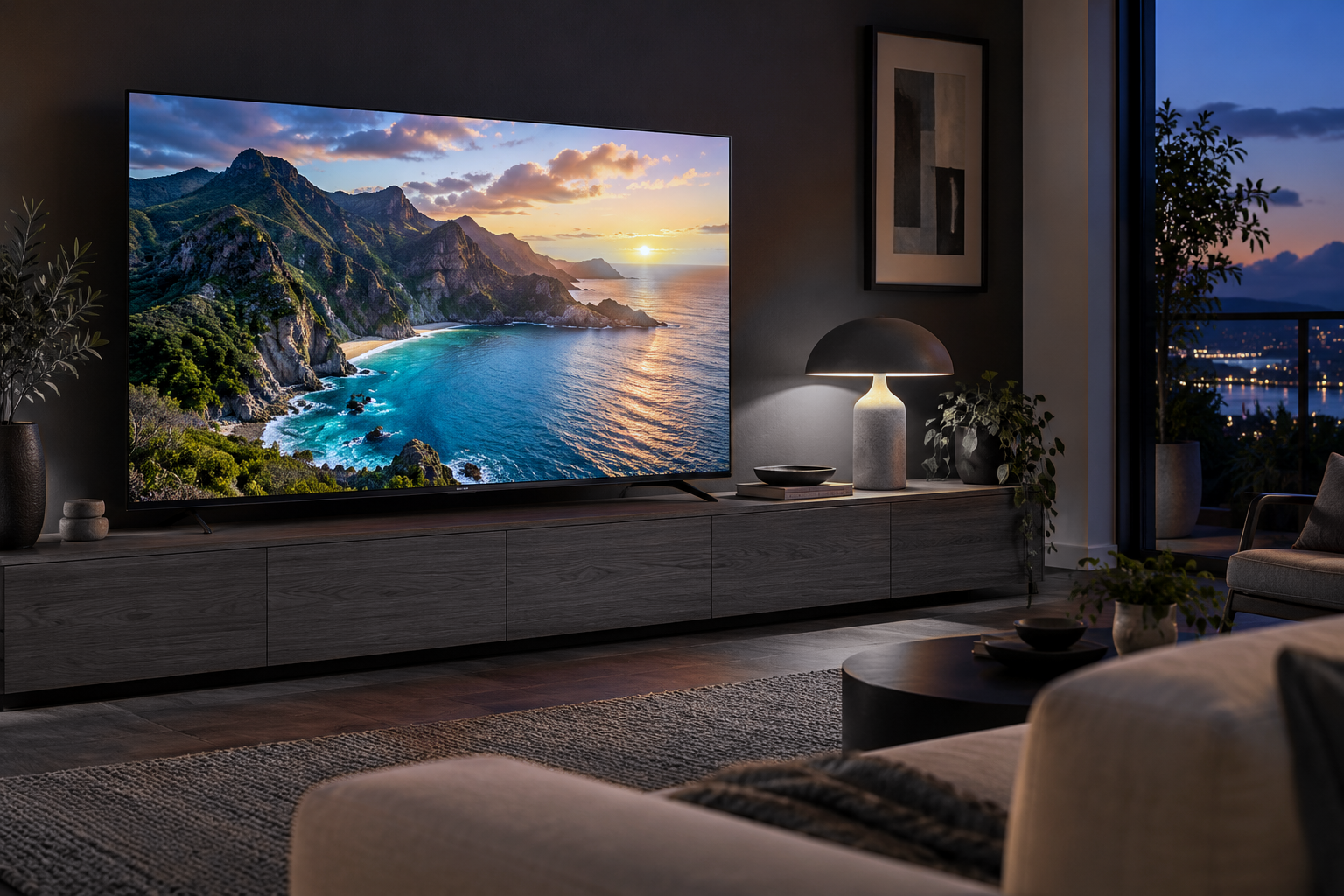
PICK UP WHERE YOU ARE
Simple instructions. Less searching.
More time for what you love.
GET CONNECTED
Set up service on any smart TV. No separate streaming device needed.
EVERYDAY WATCHING
Find the guide, choose a channel, and get comfortable with the controls.
MAKE IT YOURS
Learn where to find favorites, viewing history, and your app settings.
YOUR ACCOUNT
Find your renewal information and get help with your monthly payment.
Steps and available settings can vary by device, app, and TV package.
BACK TO BETTER WATCHING
Start with connection and device checks. Our troubleshooting guide takes you through the common fixes.
Yes. Mac Smart TV can be set up on any smart TV with an internet connection, without a separate streaming device. Get help with smart TV setup. Streaming boxes and sticks are optional.
A connection is a device streaming at the same time. Choose the number of connections that fits how your household watches. Compare TV packages.
Share your name, device type, TV package, and a description of what happened. Include the channel or category if the issue is specific to something you were watching. Contact Mac Smart TV.